C++ to SVG Converter
I originally started this to learn ZIG Lang.
Overview
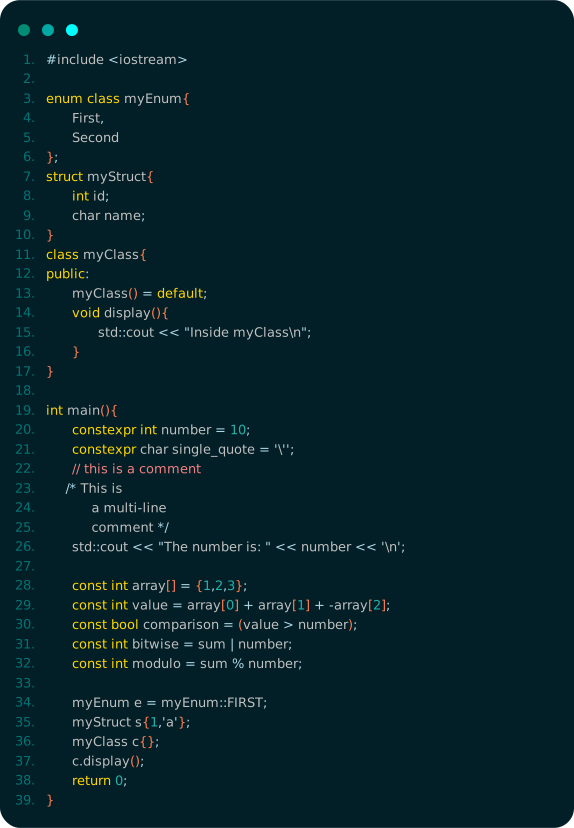
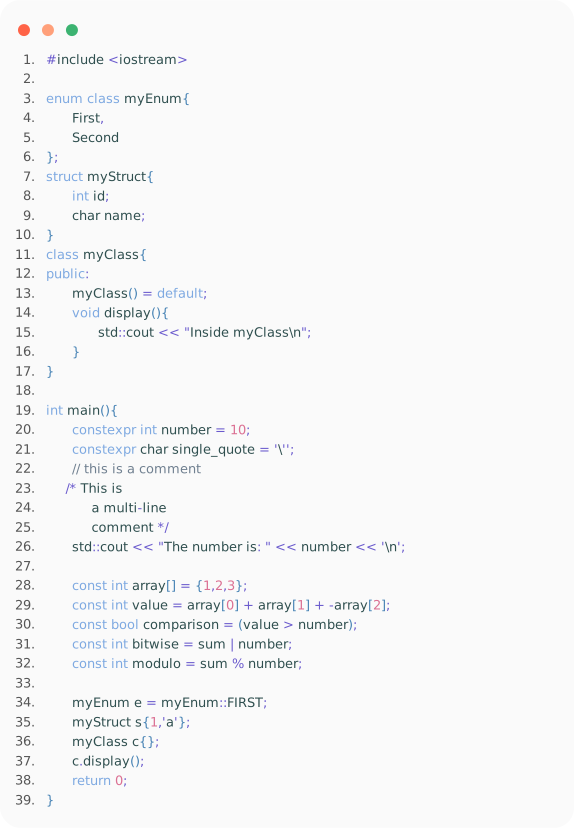
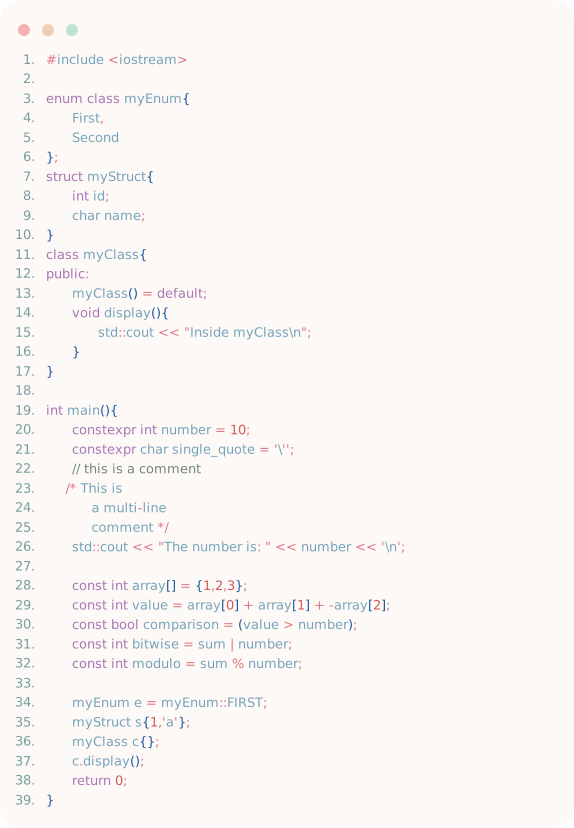
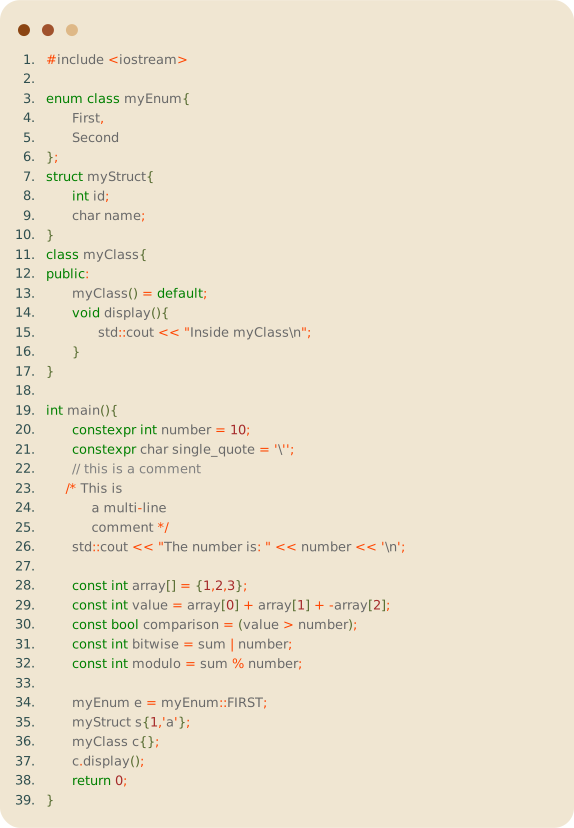
This program is a C++ to SVG converter. It takes C++ code as input and generates a corresponding SVG (Scalable Vector
Graphics) image. This can be particularly useful for visualizing code flow, creating documentation, or sharing your code
in a more visual and engaging way.
Features
- Code to SVG: Convert your C++ code into a visually appealing SVG image.
- Syntax Highlighting: The generated SVG will have syntax highlighting similar to most modern code editors, making
the code easier to read and understand.
- Customizable Themes: The program supports multiple themes, including light and dark modes, allowing you to switch
based on your preference.
Installation
To install the program, follow these steps:
- Clone the repository:
git clone https://github.com/JoranVandenbroucke/CodeToSVG.git
- Navigate to the project directory:
cd CodeToSVG
- Compile the program:
zig build
Usage
To convert a C++ file to SVG, use the following command:
./CodeToSVG -f input.cpp -o output.svg -s style.yml
Themes Preview
style dark

style light
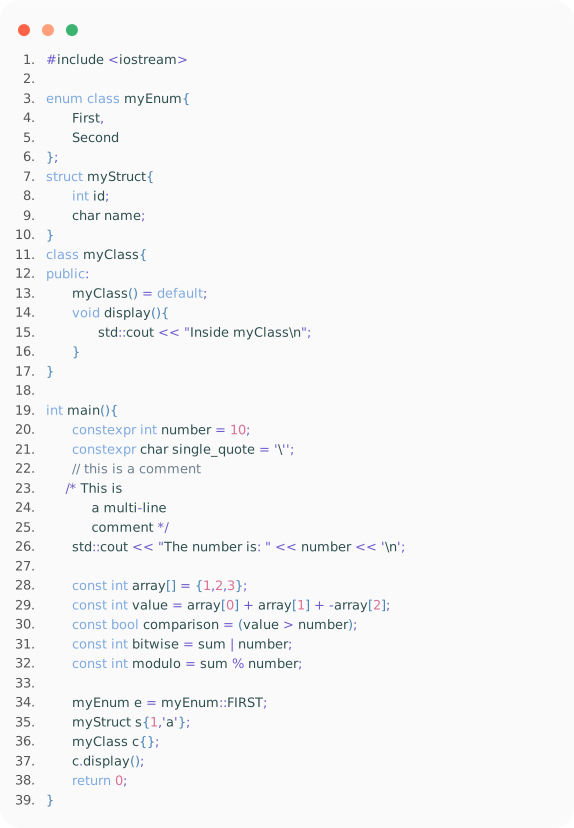
style abzu
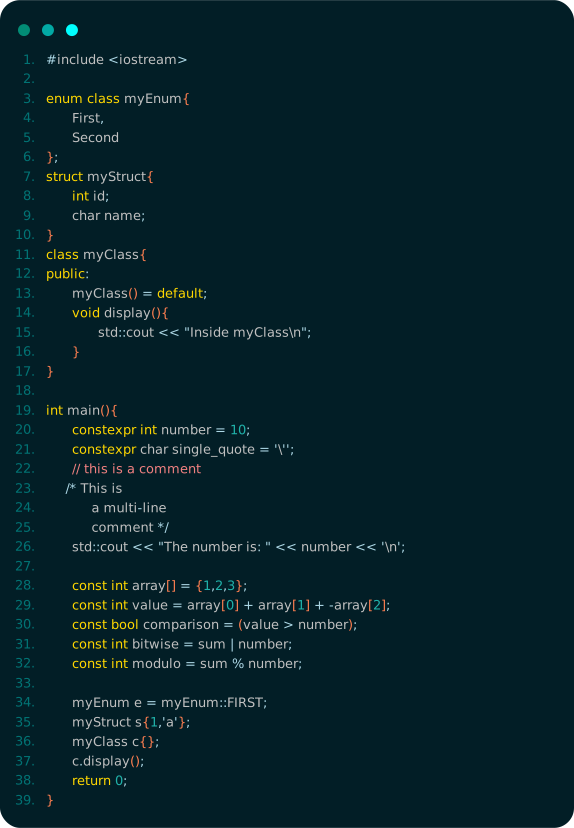
style gris
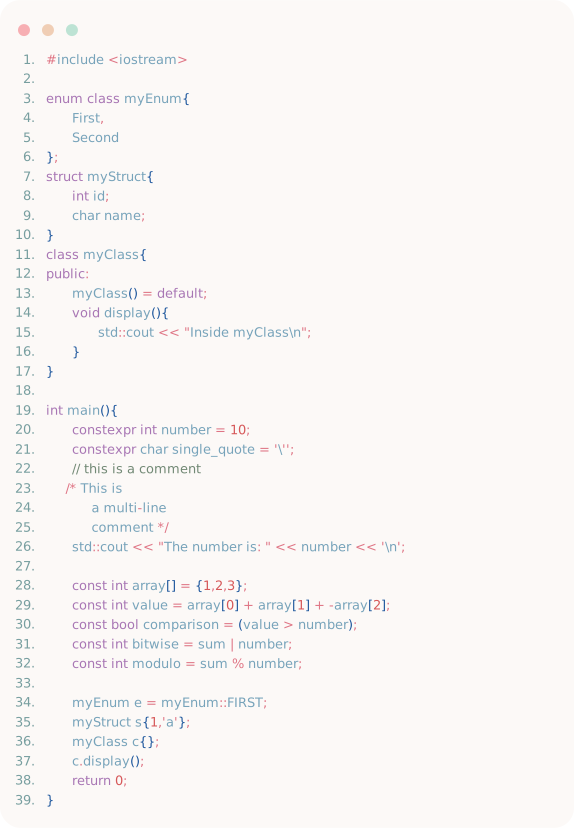
style ori and the blind forest

style stardew valey

style aurora borealis

style bamboo
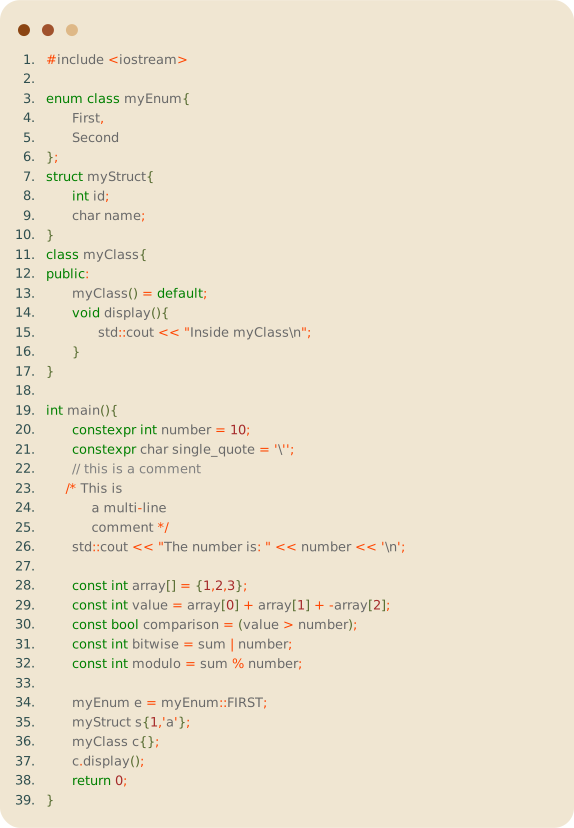
style night garden

style sakura

Help Wanted
We are looking for contributions to improve this project in the following areas:
- Detecting long strings
/*...*/
- Detecting function calls
- Detecting function definitions
- Detecting usages of custom enums, structs, and classes
- Better formatting
- Making it compatible with more languages than just C++
- Providing more styles
- Writing tests to ensure this program runs correctly